AI Smart Hub › Blog · Tiếng Việt
Agencies managing accounts for many clients: separate profiles, no mix-ups, no leaks
Agencies running ads and pages for many clients easily end up with shared cookies and IPs. How to give each client its own browser profile, share the work across a team and track errors.
An agency handling ads or pages for 10 clients logs into 10 different sets of accounts every day, sometimes with several staff touching them. One login in the wrong place, or two clients sharing a browser, is enough to cause trouble: accounts get linked, clients notice something odd, or worse, a batch gets restricted.
Three common risks
- Mixed cookies: open client A's account, then client B's, in the same browser, and the platform sees the two accounts together.
- Mixed IPs: the whole office shares one connection, so every client's accounts share one IP.
- Mixed people: a staff member leaves, passwords are scattered across chats, and nobody knows where each account stands.
The rule: one client, one profile
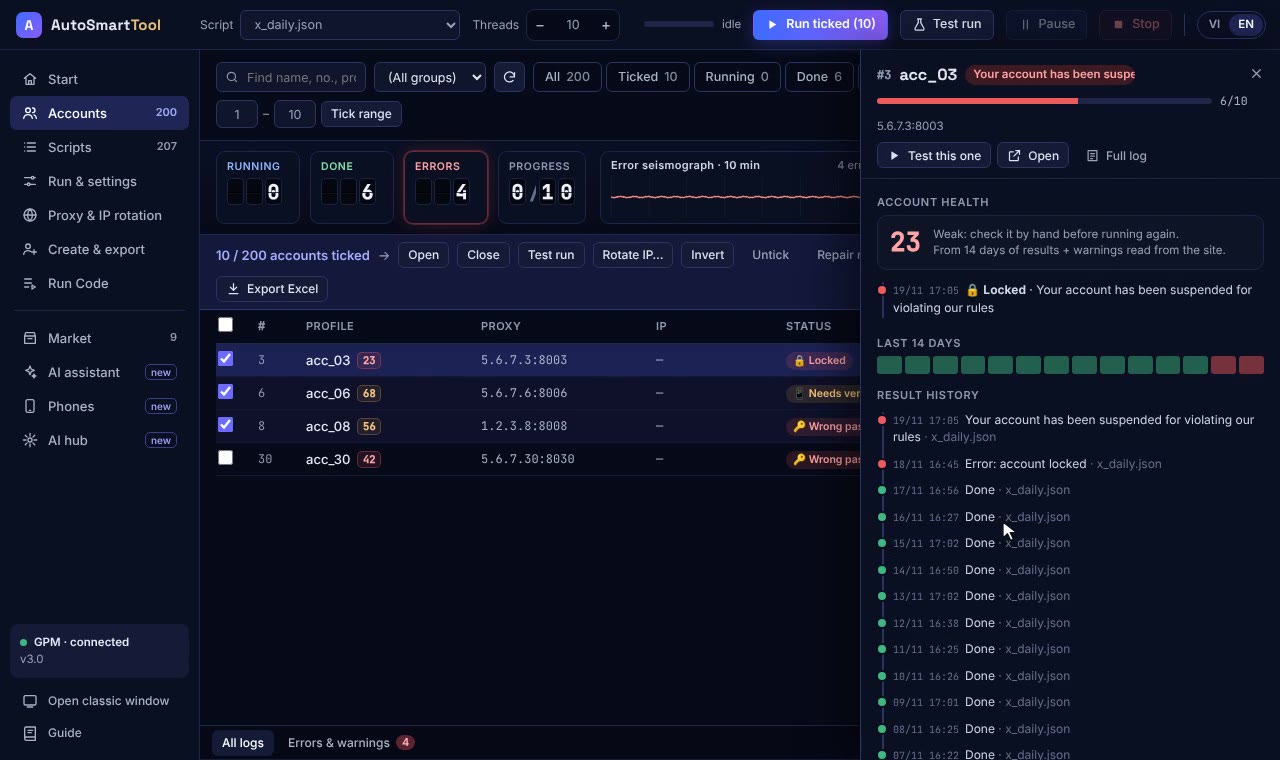
Each client gets its own browser profile: its own cookies, fingerprint and proxy. Staff just open the right profile and it's already logged in, no retyping passwords, no mix-ups. See how account separation works in running multiple accounts on one computer.
Turn repeated work into a shared process
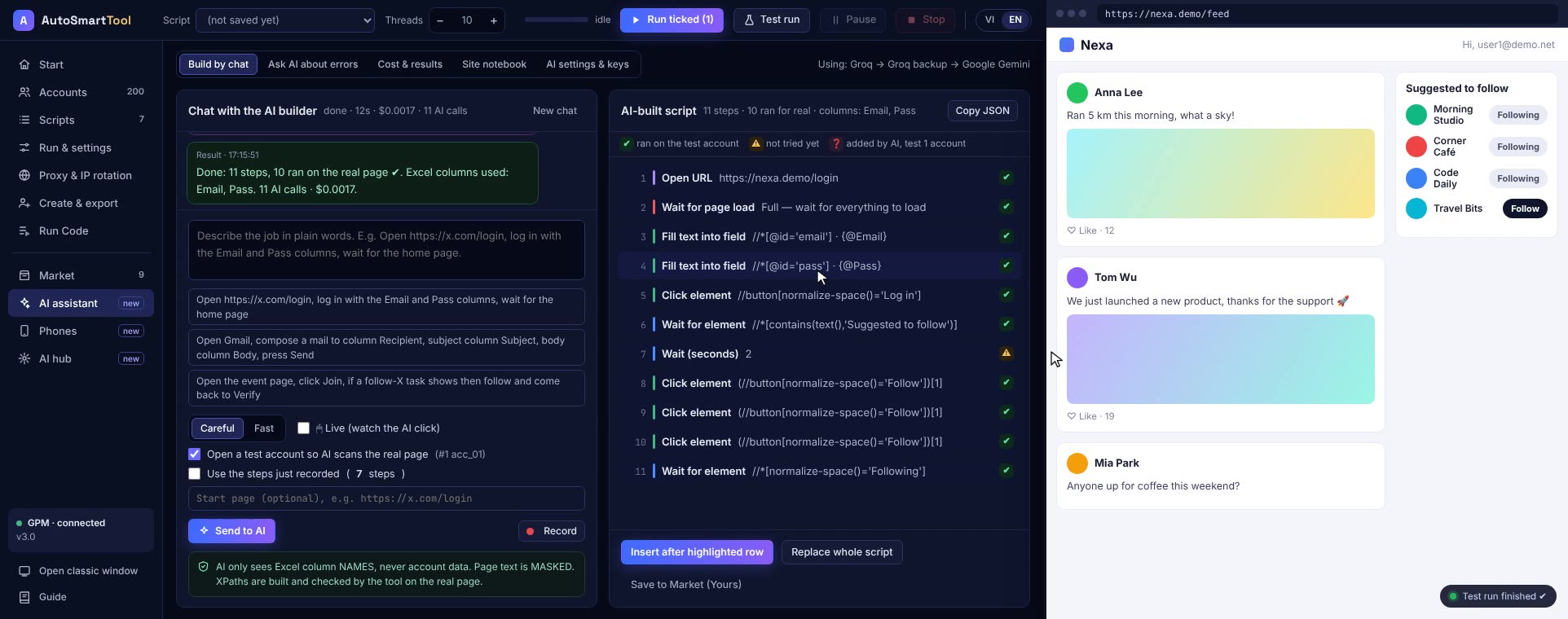
Agency daily work tends to be the same: check notifications, look at numbers, reply to comments, export a report. Instead of everyone doing it their own way, record the job as one script. The whole team uses the same script file; new staff just pick a profile and press Run.
| Task | By hand | With a script |
|---|---|---|
| Check 10 pages every morning | Open each one, 30 to 45 minutes | Press Run, read the report |
| New staff member joins | Show them every step | Hand over the script file |
| Which account has a problem | Nobody knows until the client asks | The report shows the exact failing step |
More machines, more people
As clients grow, spread profiles across several PCs. Each Profile Launcher key works on 2 computers; teams with many machines can ask for volume pricing. If you'd rather not build scripts yourself, the AI Agency service from AI Smart Hub builds them for your exact job and sends results to Telegram.
Frequently asked questions
Can staff see client passwords?
Profiles are already logged in, so staff only need to open them, not know the passwords. You should still change passwords when someone leaves.
Is a shared office connection a problem?
Give each client profile its own proxy so their accounts don't share the office IP.
Try it on your own PC, free for 3 days
No card, no sign-up. Every key works on 2 computers. Not sure yet? Message us first and we will tell you honestly whether it can do your job.