AI Smart Hub › Blog · Tiếng Việt
Automation scripts keep breaking? A black box and a night doctor find the cause
A site redesign can break a script across dozens of accounts. Replay the moments before the failure with a black box, and let AI propose a fix that is tested on one account first.
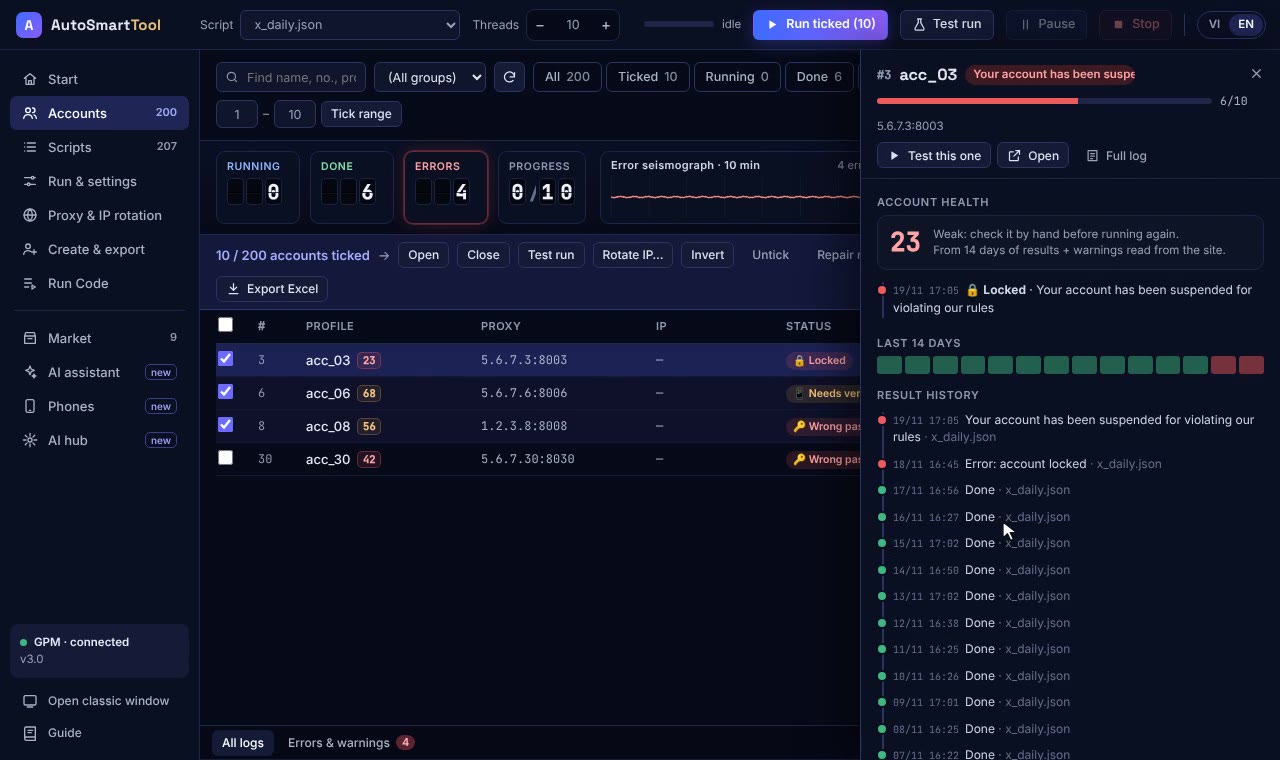
Your script ran fine all week. This morning, 40 accounts report an error at the same step. The cause is usually tiny: the site renamed a button, added a popup, or a button now appears a few seconds later. The hard part is knowing exactly what happened when you weren't watching. This post introduces two tools for that: the black box and the night doctor.
Why scripts break
| Common cause | Symptom | Usual fix |
|---|---|---|
| Button text or position changed | "Button not found" at the same step on many accounts | Change how the button is found |
| Slow page or connection | "Timed out", sometimes yes, sometimes no | Wait longer |
| New popup or notice | Clicks miss, button is covered | Add a step to close the popup |
| A problem with one account | Scattered errors, different on each account | Handle that account; don't change the script |
The black box: replay the seconds before the failure
Like an aircraft's flight recorder, the tool keeps the last few small screenshots of each account in memory while it runs. Accounts that finish are discarded. An account that fails is saved as a "tape" containing:
- the steps just before the failure;
- screenshots;
- the error message;
- the AI's explanation.
Open it and you see straight away what the page looked like at that moment. The tape is a single file that opens in a browser, so you can send it to support. Screenshots stay on your PC and are never sent to the AI. The step list never records typed text such as passwords or emails. Tapes delete themselves after 7 days.
The night doctor: propose a fix, test it before applying
- When the same step fails on 3 or more accounts, the AI looks at the page and proposes a fix. The original script is not touched.
- When the PC is idle, the tool tests the fix on one account that just failed. If it still fails, the AI looks at the live page again and tries once more, up to 2 rounds.
- If the fix passes, you are notified, including on Telegram. The original script is only replaced when you press Apply to all. The old version is kept so you can roll back.
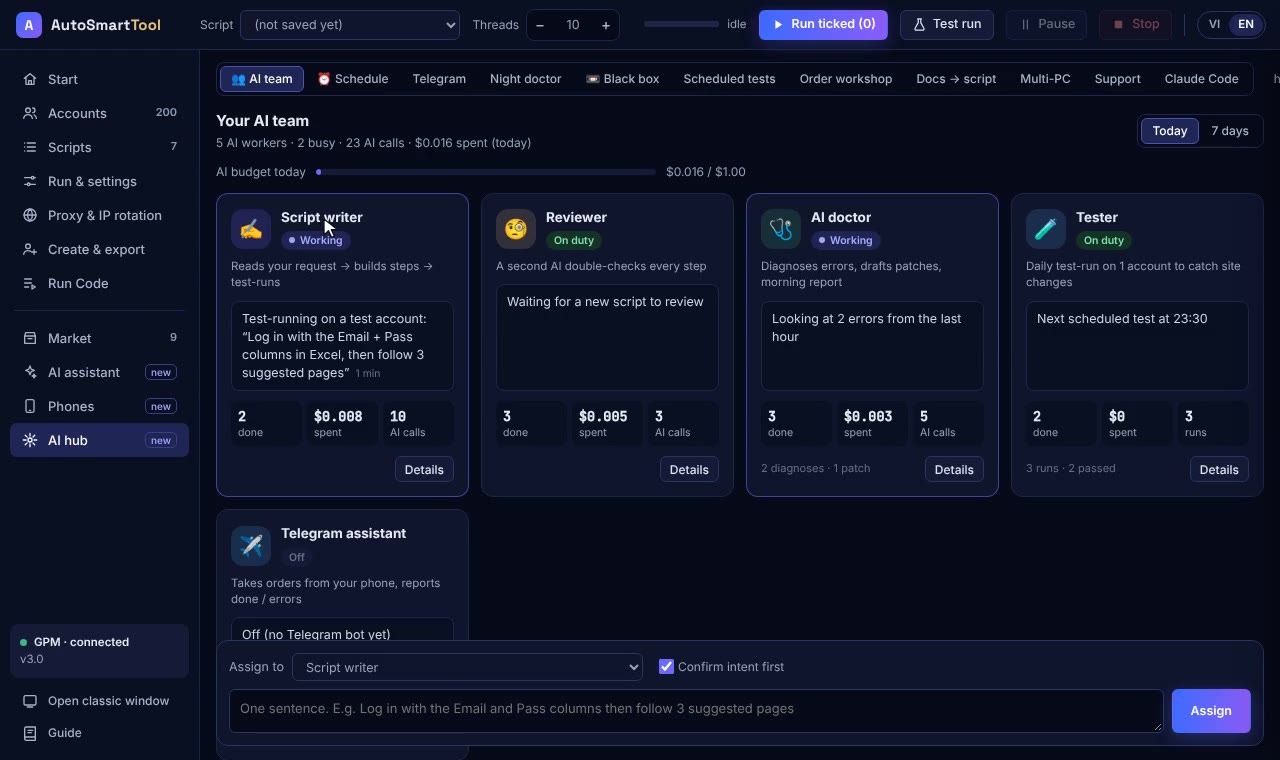
- In the morning you get a short report: what failed overnight, where, and what was fixed.
Scripts that involve wallets, money or swaps are never tested automatically. You decide whether to test them.
Doing this with AI Smart Hub
In Profile Launcher, the black box is on by default. The night doctor lives in the AI Center and you switch it on when you want it. The AI uses your key and only receives masked text, never screenshots.
Straight talk
- An AI-proposed fix can be wrong. That's why it is always tested on one account and you are the one who applies it.
- Errors caused by restricted accounts, wrong passwords or dead proxies can't be fixed by patching the script. The report lists those separately.
- After a major redesign of a site, it's better to rebuild the script than to patch it.
Frequently asked questions
Does the black box slow the PC down?
Very little. Each account only keeps a few small screenshots in memory, taken sparingly, and nothing is written to disk unless the account fails.
Does the night doctor change my original script?
No. The fix is tested on one account first. The original is only replaced when you press Apply to all, and the old version is kept.
Are screenshots sent anywhere?
No. Screenshots stay on your PC. The AI only receives a text description of the error with sensitive details masked.
Try it on your own PC, free for 3 days
No card, no sign-up. Every key works on 2 computers. Not sure yet? Message us first and we will tell you honestly whether it can do your job.