AI Smart Hub › Blog · Tiếng Việt
AI keeps getting your task wrong? Confirm the plan before it starts
Why AI misreads quick instructions, and how to make it restate the goal, list the steps and ask about unclear points before it touches anything.
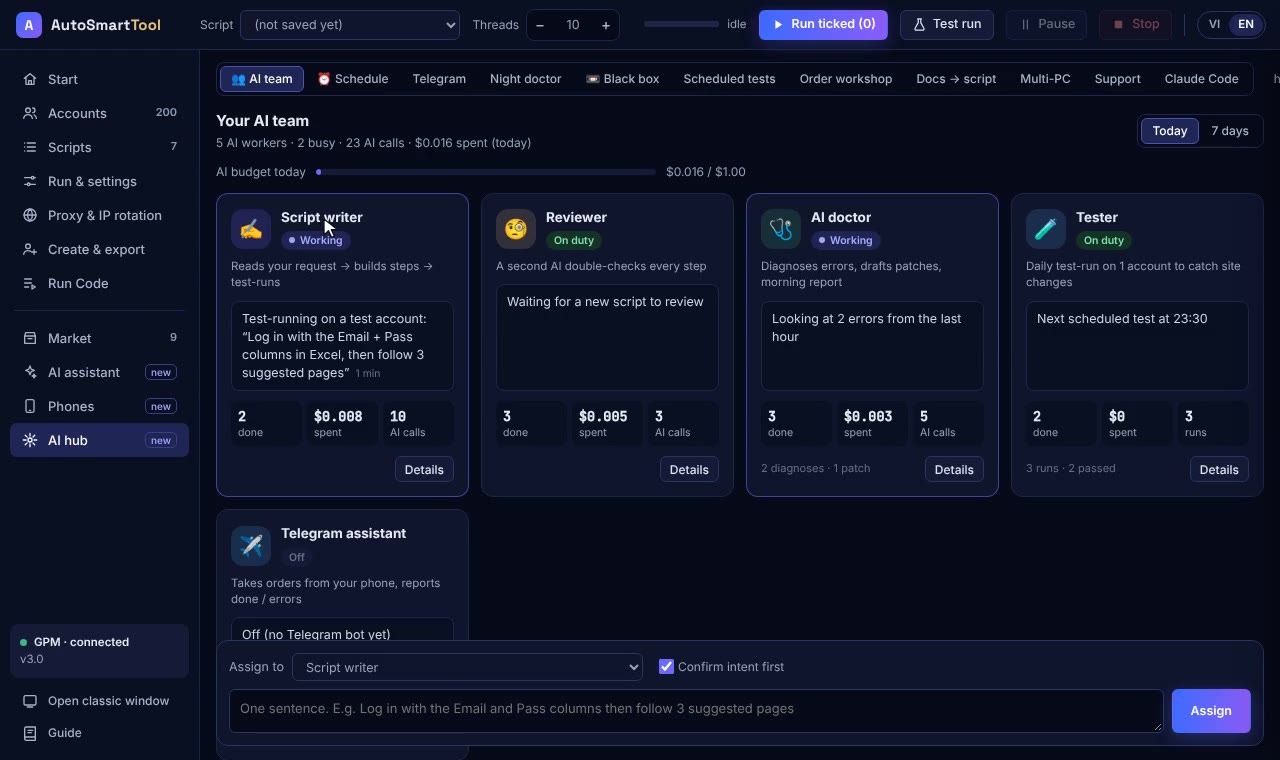
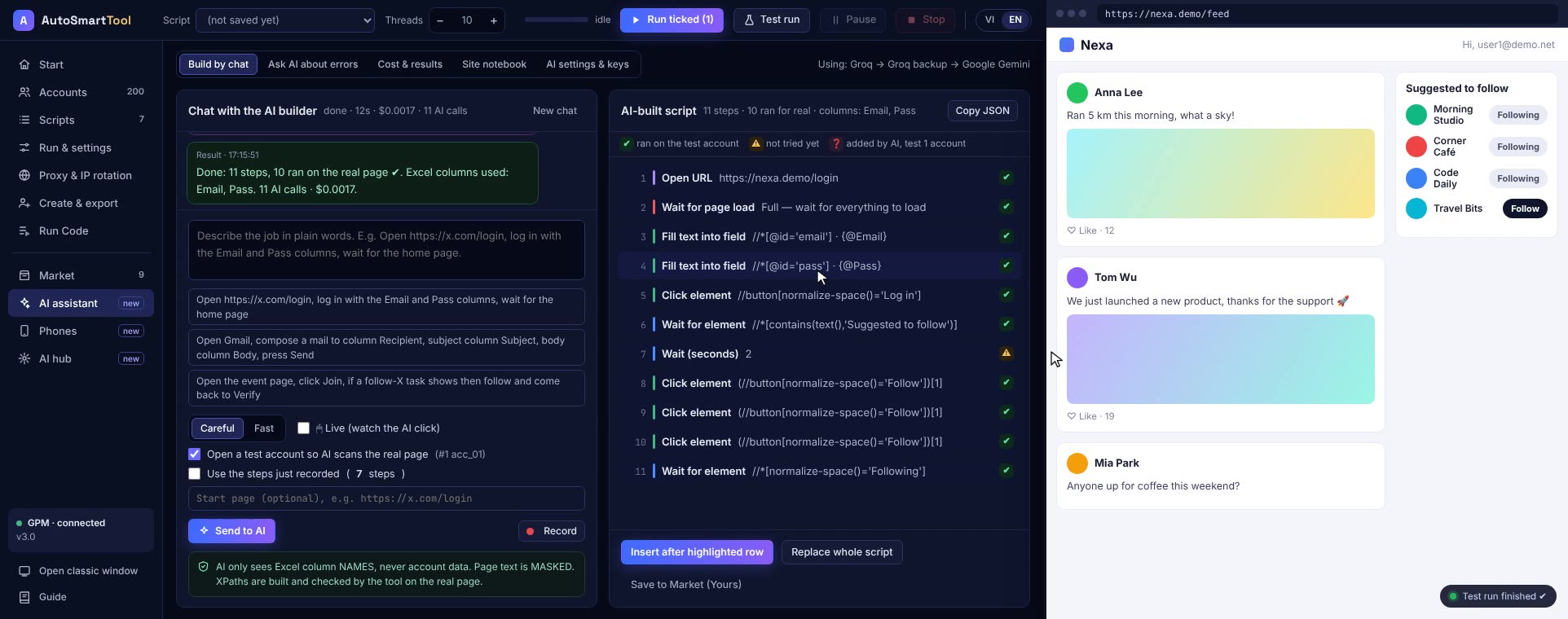
You type one line to the AI: "log in and follow 3 suggested pages". It works fast, but it clicks "Like" instead of "Follow", or runs on all 200 accounts when you only wanted to test 5. The AI isn't dumb. It is guessing, and a wrong guess costs AI credits, time, and sometimes accounts. This post is about one simple habit that prevents it: confirm the plan before the work starts.
Why does AI get the task wrong?
- Quick messages leave things out. Does "run all" mean every account or only the selected ones? Which wallet is "the wallet"? You know; the machine has to guess.
- AI doesn't know your habits. A colleague knows what you mean by "the home page". An AI meeting you for the first time doesn't.
- AI rarely asks back. Most models are trained to finish an answer, so they push on even when something is unclear.
What "confirming the plan" looks like
Before doing anything, the AI writes a short summary card, like a tradesman reading your order back to you:
- What I understood: your goal in one or two plain sentences.
- What I'll do: the steps, one line each.
- Which accounts and which script, if you mentioned them.
- Assumptions the AI made where you said nothing, so you can see and correct them.
- Warnings if the task touches money or wallets.
- Estimated AI cost for the job.
- Up to 3 questions about what is genuinely unclear, each with suggested answers.
You read it in 10 seconds. If it's right, press Yes, go. If not, type a correction such as "not follow, like; only the first 5 accounts". The AI redoes the card as many times as you need.
Sending it straight vs confirming first
| Send straight away | Confirm first | |
|---|---|---|
| Extra time | 0 seconds | 10 to 30 seconds to read the card |
| When the AI misunderstands | You find out after the run | You find out before the run |
| AI cost wasted | The whole wrong run | One card, usually around a cent |
| Tasks involving money or wallets | Easy to click the wrong thing | Clear warning before anything happens |
The AI learns how you talk
Every time you correct the plan, the tool saves the pair "what you typed, what you fixed". Next time the AI reads your recent corrections before writing the card, so your usual shorthand like "run all" or "wallet" is understood right away. The more you use it, the fewer corrections you need. This notebook stays on your PC and only stores masked text: emails, wallets and passwords are never written to it.
Doing this with AI Smart Hub
In Profile Launcher, the AI team's task box and the Telegram bot both go through this confirmation step. The custom-script order form has the same card before the AI builds anything. The AI only sees the column names of your Excel file, never the account data. Emails, wallets, passwords and proxies are masked before any text is sent. The AI runs on your own key (DeepSeek, for example), so you control the cost.
Straight talk
Confirming doesn't make the AI smarter. It just helps you catch misunderstandings early. If you press Yes without reading the card, the result can still be wrong. For very simple jobs you can switch the step off and send tasks straight through.
Frequently asked questions
Does confirming cost extra AI credit?
Yes, each card is one AI call, usually around a cent with DeepSeek. In return you avoid wrong runs that cost far more.
If I correct the plan several times, does the AI forget earlier corrections?
No. It keeps every correction within the same task, and the card shows how many times it has been revised.
Is my account data sent to the AI?
No. The AI only sees Excel column names. Emails, wallets, passwords and proxies in what you type are masked before sending.
Try it on your own PC, free for 3 days
No card, no sign-up. Every key works on 2 computers. Not sure yet? Message us first and we will tell you honestly whether it can do your job.