AI Smart Hub › Blog · Tiếng Việt
An AI assistant that works in your browser: do it once, save it as a script
The AI clicks through a real page while you watch, stops at anything involving money, asks you to handle the hard bits, then saves every step as a script you can rerun for free.
You have probably seen videos of AI opening a browser, clicking and filling forms like a person. It looks impressive, but two things rarely get said: every time the AI does the work itself, you pay for it, and an AI clicking on its own can hit the wrong important button. This post explains how to use a hands-on AI assistant in the right places, safely and cheaply.
3 ways to turn a task into automation
| Way | What you do | AI cost | Best for |
|---|---|---|---|
| 1. Do it by hand, record it | Do it once; the tool records every click | Almost zero | Tasks you already know |
| 2. Describe it, AI writes it | Describe the job; AI builds a script and tests it on one account | A few cents | Tasks you can describe clearly |
| 3. AI does it live | Say the task and watch the AI click through the page | A few cents to tens of cents per task | Unfamiliar pages, tasks that need reading and deciding |
All three end with a script. From then on, running 100 accounts costs no extra AI credit. You only pay AI while the script is being made.
How the live assistant works
- Pick one account and describe the task, for example "go to the events page, read the quests and do the free ones".
- The AI restates the goal for you to confirm (see confirm the plan before AI starts).
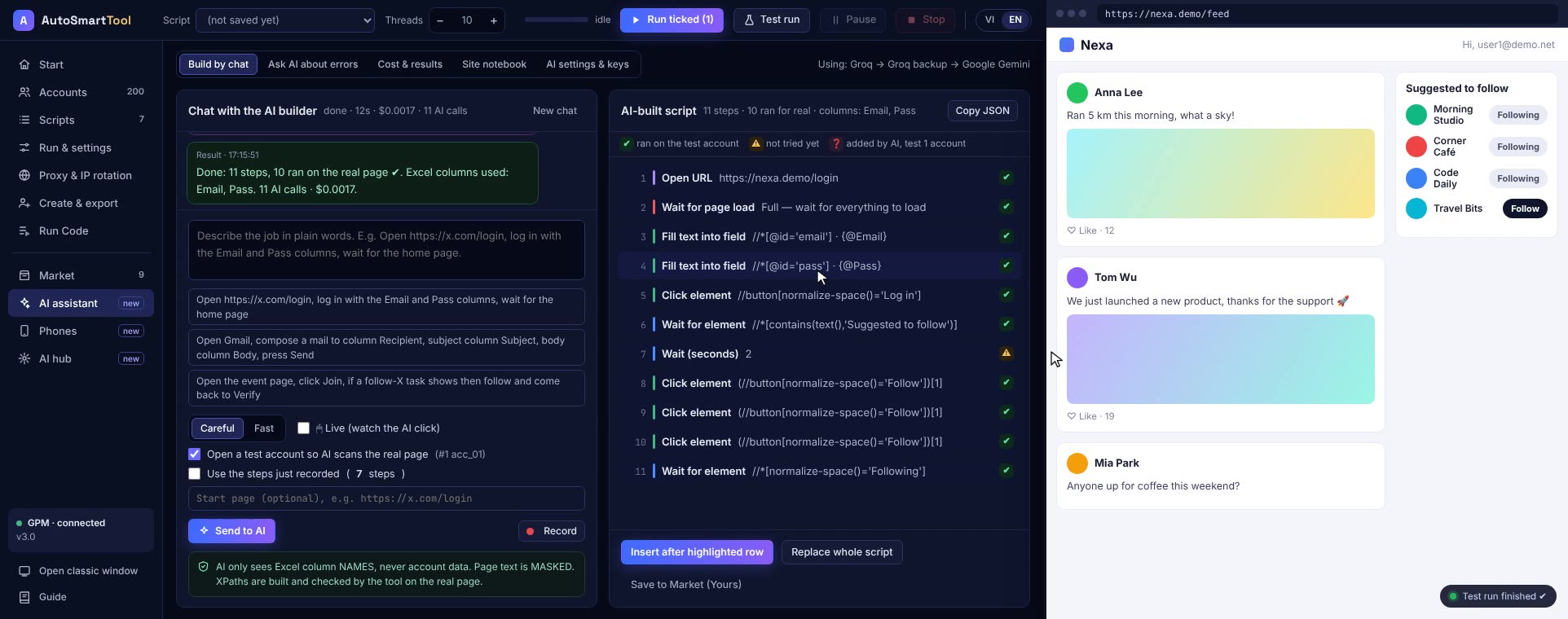
- A browser window opens. The AI reads the page, picks a button and really clicks it. A labelled, coloured cursor and a status line show what it is doing.
- You can type in mid-task, for example "wait, only pick the smallest plan", or press Stop at any time.
- When it's done, every step appears as a script, each marked ✔ once it has really run.
Where the AI always stops and asks you
- Buttons that can spend money, touch a wallet, publish or delete, such as Swap, Approve, Buy, Publish, Delete or Pay. The tool checks the button text itself instead of trusting the AI. The button is outlined in red and waits for you to press "Allow" or "Skip".
- Things the machine can't do, such as a hard captcha or a human check. The AI asks you to do that step by hand in the same window. The tool records your clicks into the script and the AI carries on.
- Two equally likely choices where a wrong guess would ruin the task: the AI asks one short question instead of trying and failing repeatedly.
Why the second time is cheaper
The tool remembers the path. For the same task, when it meets a page in the same state as before, it repeats the previous action without asking the AI. If the page layout changes, the old memory is dropped and the AI works it out again. Every step also tries the cheapest option first: memory (free), then a budget AI model, then a stronger one, and only then you. Before starting, the tool also checks whether you already have a script for that site and suggests reusing it.
Doing this with AI Smart Hub
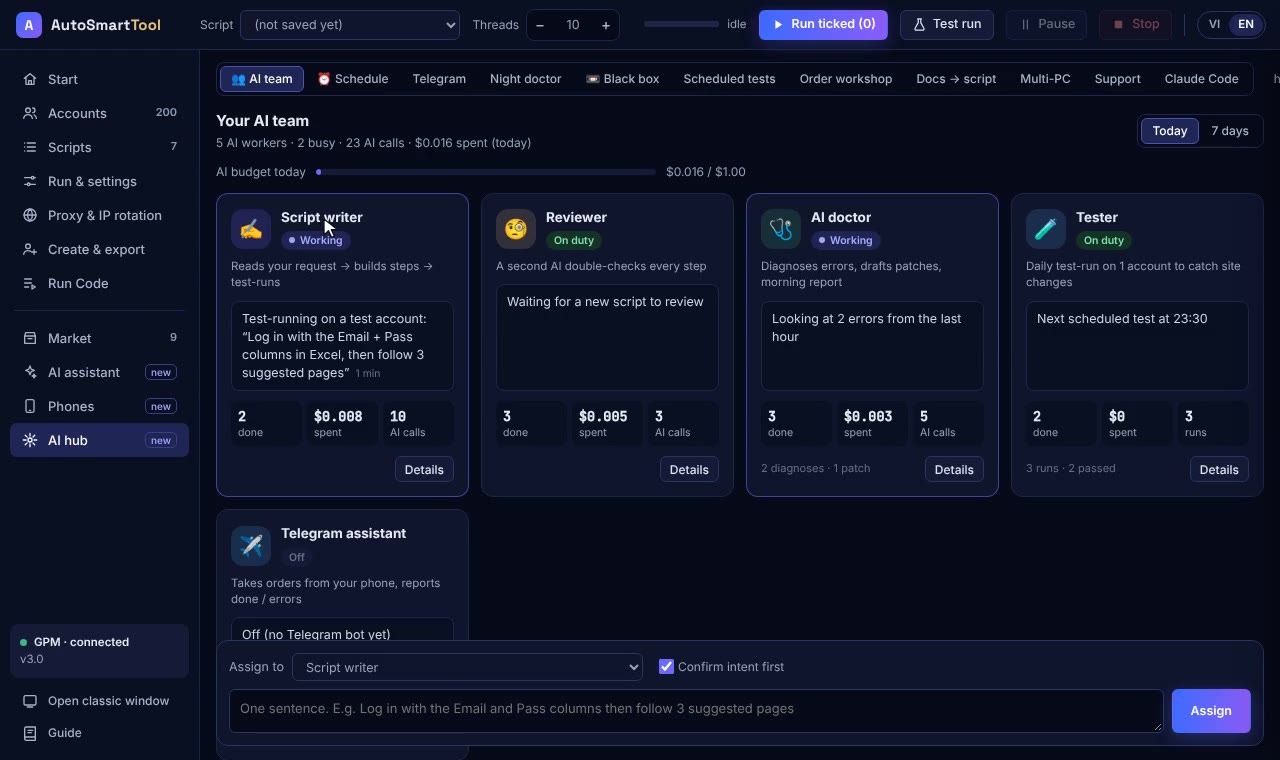
In Profile Launcher, choose Live assistant in the task box, or tick Do it live on the AI Assistant page. The AI works in your own browser profile with your own AI key. It only sees Excel column names; account data is filled in by the tool on your PC.
Straight talk
- Live mode handles one account at a time so you can watch. To run many accounts, save it as a script and run that as usual.
- The AI is slower than a script, because every step means reading the page and thinking for a few seconds.
- Very complex pages can stump the AI. When that happens it asks you to do the hard step by hand.
- The tool does not pretend to be human or try to dodge a platform's detection.
Frequently asked questions
Will the assistant click a payment button on its own?
No. Any button whose text relates to money, wallets, publishing or deleting always waits for your permission. The tool checks the text itself; it doesn't rely on the AI.
How much does each use cost?
A 10 to 20 step task usually costs a few cents with DeepSeek. Pages it has seen before are cheaper. Once saved as a script, reruns cost nothing in AI.
Can it run many accounts at once?
Live mode works on one account so you can follow along. Save the result as a script, then run it on as many accounts as you like.
Try it on your own PC, free for 3 days
No card, no sign-up. Every key works on 2 computers. Not sure yet? Message us first and we will tell you honestly whether it can do your job.