AI Smart Hub › Blog · Tiếng Việt
How to run multiple accounts on one computer without them being linked
Why platforms can tell that several accounts on one machine belong to the same person, and how to give each account its own browser profile with its own fingerprint and proxy.
You sell across several accounts, manage pages for clients, or simply keep separate accounts for separate jobs. Opening them all on one computer is fast, but many people hit the same problem: one account gets restricted and drags a whole batch down with it. This post explains why that happens and how to separate accounts properly.
How do platforms tell your accounts belong to one person?
Every time you open a website, your browser quietly sends a lot of information. Put together, it works like a fingerprint of your machine:
- IP address: the "street address" of your internet connection. Ten accounts logging in from one IP is the clearest signal of all.
- Cookies: small notes websites leave in your browser. One browser means shared cookies.
- Browser fingerprint: screen size, graphics card, fonts, time zone, language, how the machine draws graphics... Two browsers on the same PC produce almost identical fingerprints.
- WebRTC: a video-call feature that can reveal your real IP even after you change it.
A few matches are enough for a system to group accounts together. When one account in the group is flagged, the rest get a closer look.
Common approaches, and why they fall short
| Approach | What it separates | What's missing |
|---|---|---|
| Incognito tabs | Cookies | IP and fingerprint stay the same |
| Different browsers (Chrome, Edge, Firefox) | Cookies | Only a handful; same IP, same hardware |
| Switching VPN all the time | IP | Cookies and fingerprint still shared; tedious by hand |
| One real computer per account | Everything | Far too expensive and bulky |
| Separate browser profiles (antidetect) | Cookies, IP, fingerprint | Needs a good proxy per profile |
What is a separate browser profile?
Think of each profile as a small virtual computer living inside yours. Each profile has:
- its own cookies and history, so it stays logged in between sessions;
- its own fingerprint: different screen, graphics card and fonts;
- its own proxy, meaning its own IP, with time zone, language and WebRTC matched to that IP.
To a platform, 50 profiles look like 50 people in 50 places, even though they all run on your one computer.
Step by step
- Get proxies: each important account should have its own. Residential or 4G proxies are usually more trusted than cheap datacenter ones.
- Create profiles: one profile per account, with its proxy attached. Never share one profile between accounts.
- Keep the trio fixed: account A always goes with profile A and proxy A. Swapping them around creates odd signals.
- Run at a human pace: random pauses between actions, not 100 clicks a minute.
- Log the results: which account failed and at which step, so you can deal with it.
Doing this with Profile Launcher
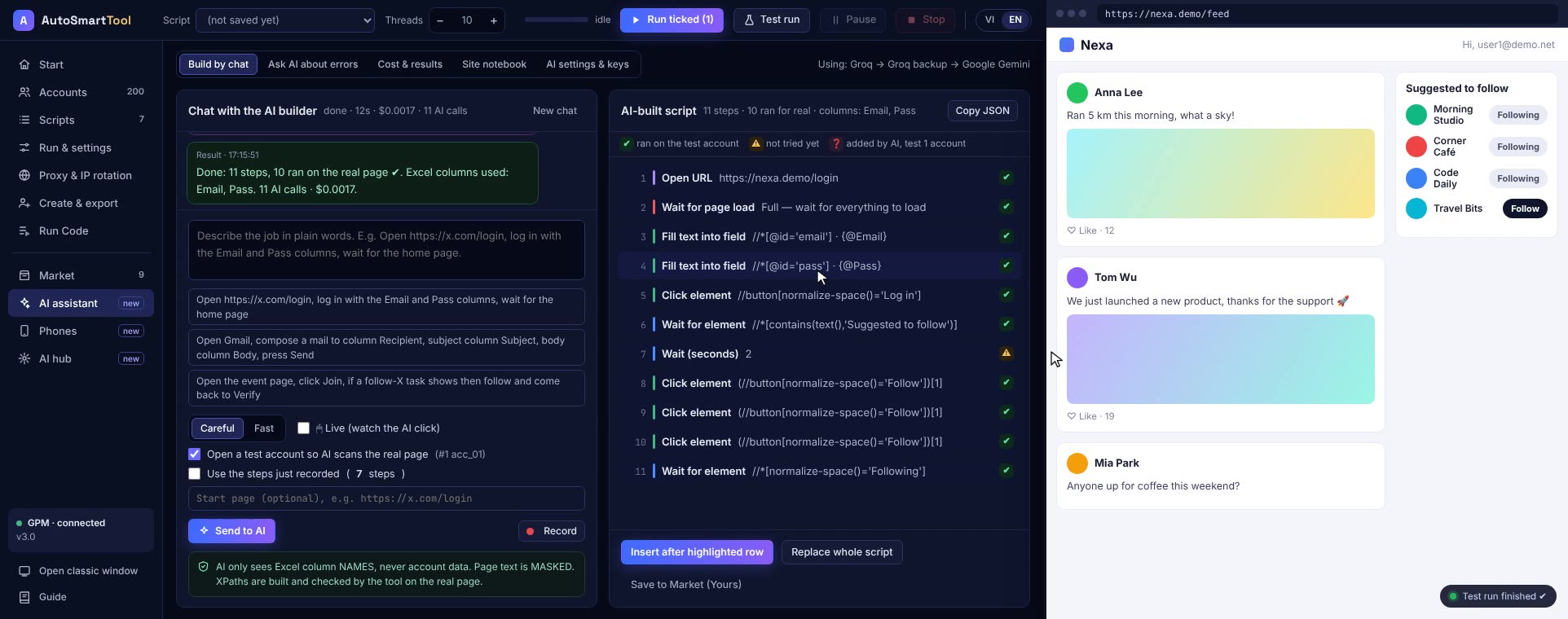
Profile Launcher from AI Smart Hub handles these steps for you. Each profile has its own fingerprint and proxy, time zone and WebRTC match the IP, and IPs rotate when needed. You can use your existing GPM profiles or the bundled Camoufox browser. Open dozens of profiles at once and the windows tile into a grid. If one profile fails, the others keep going.
Straight talk
No tool can guarantee an account will never be restricted. Separate profiles stop your accounts being linked to each other, but whether an account gets restricted still depends on proxy quality, how fast you run, and whether what you do follows the platform's rules.
Frequently asked questions
Are incognito tabs enough to separate accounts?
No. Incognito only separates cookies. The IP and browser fingerprint stay the same, so a platform can still tell the accounts share a machine.
Does every profile need its own proxy?
It should. Many profiles on one IP undo much of the benefit of separate fingerprints. Important accounts should have their own fixed proxy.
How many profiles can my computer open?
Each open profile uses about 300 to 500 MB of RAM. A 16 GB machine comfortably runs about 15 to 20 profiles at once.
Try it on your own PC, free for 3 days
No card, no sign-up. Every key works on 2 computers. Not sure yet? Message us first and we will tell you honestly whether it can do your job.