AI Smart Hub › Blog · Tiếng Việt
Write automation scripts without coding: let AI draft them for you
What an automation script is, which commands it is built from, and how to use AI or recorded actions to get a script that runs hundreds of accounts without learning to program.
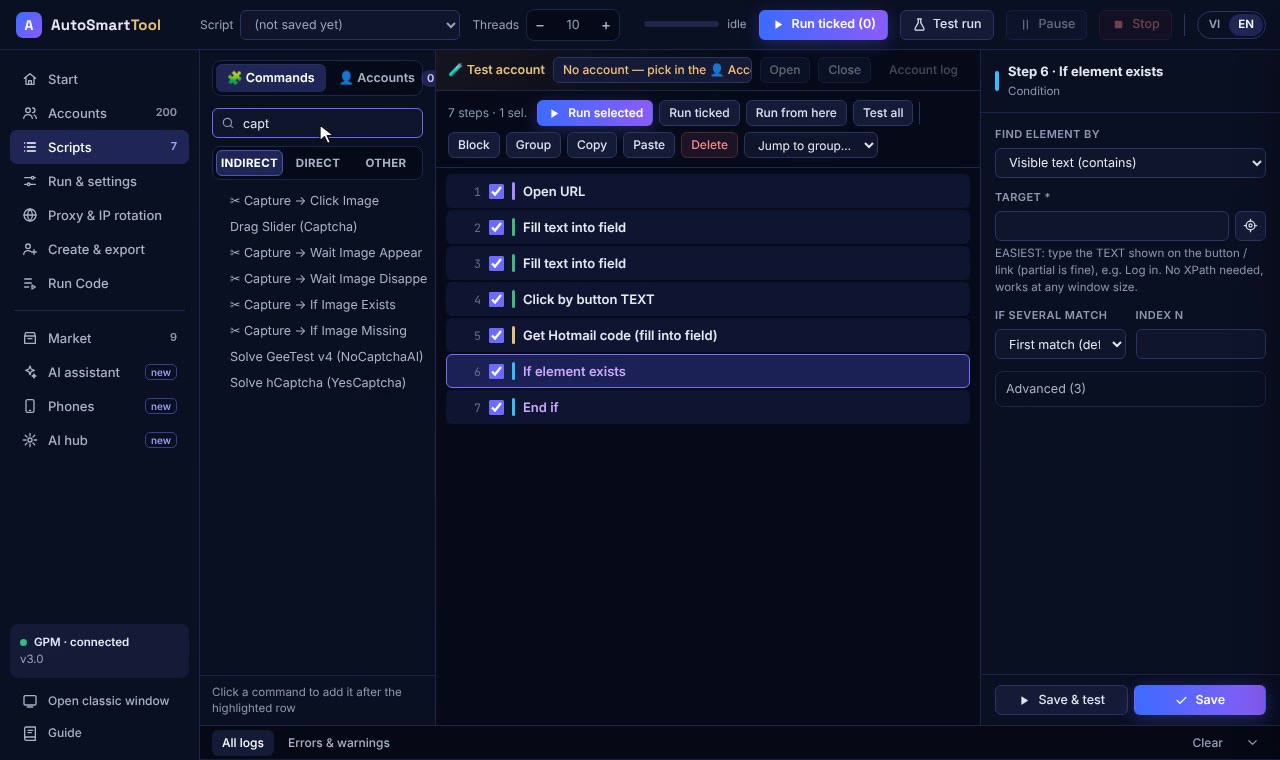
Hear "automation script" and many people think of programming. In fact a script is just a list of steps, like a note you leave for someone doing a job for you: open this page, click that button, type this, wait 3 seconds.
What is a script made of?
Each step is a ready-made command. You choose the command and fill in the blanks; no code to write:
- Open page: enter a web address.
- Click: choose the button, which can be found by its text.
- Type: type an email, password or message, taking each account's values from an Excel file.
- Wait: wait a few seconds, or until something appears.
- If... then...: if there's an error, retry; if already logged in, skip the login step.
- Loop: repeat for 50 accounts.
Profile Launcher has 137 such commands, enough for almost anything a mouse and keyboard can do.
Three ways to get a script, easiest first
| Way | Best for | What you do |
|---|---|---|
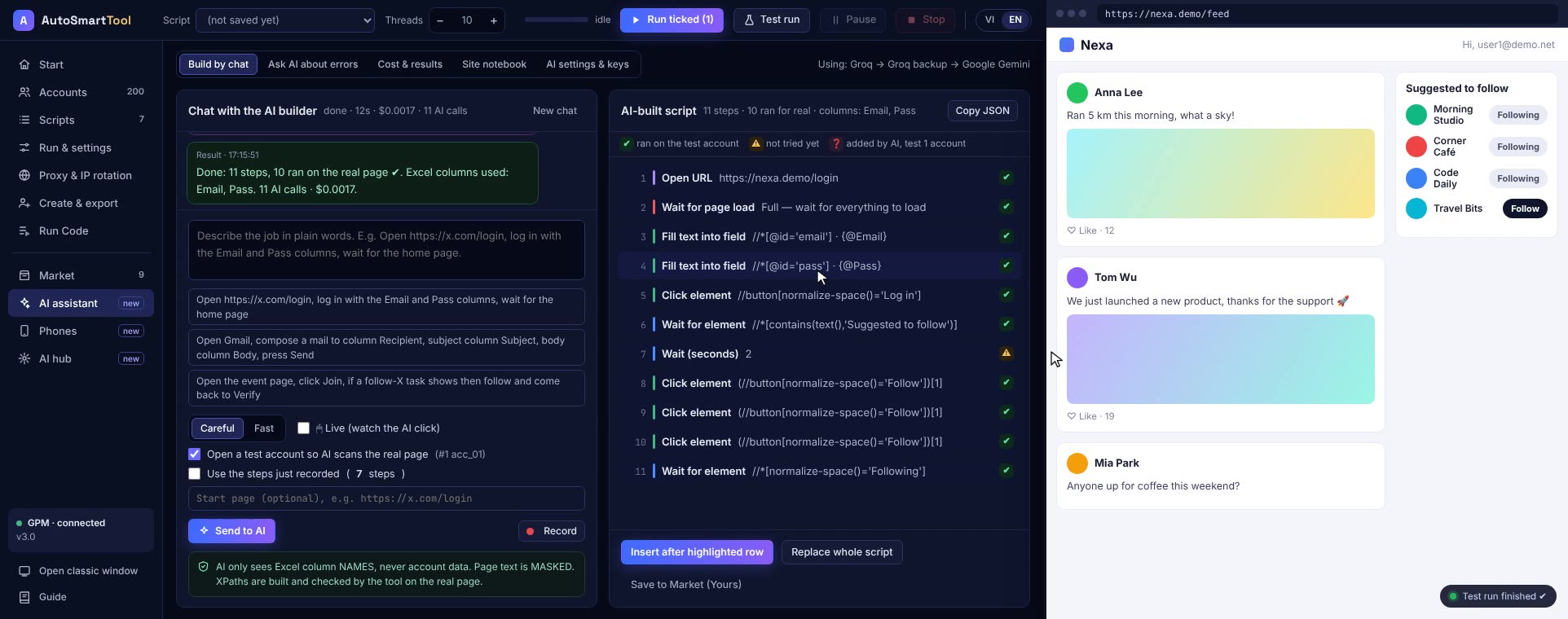
| Tell the AI | Beginners | Type one sentence, such as "log in and follow 3 pages". The AI drafts the steps, tests them and fixes itself. |
| Record your actions | Jobs you already do by hand | Press Record, do it once, and the tool turns it into a script. |
| Assemble commands | Jobs with many conditions | Drag and drop commands, add If/Loop, pull data from Excel. |
Tips for scripts that keep working
- Test on one account first; only run a hundred once it's right.
- Find buttons by text rather than position, so small layout changes don't break it.
- Add random pauses between steps so it moves like a real person.
- Add a retry branch for slow connections or error pages.
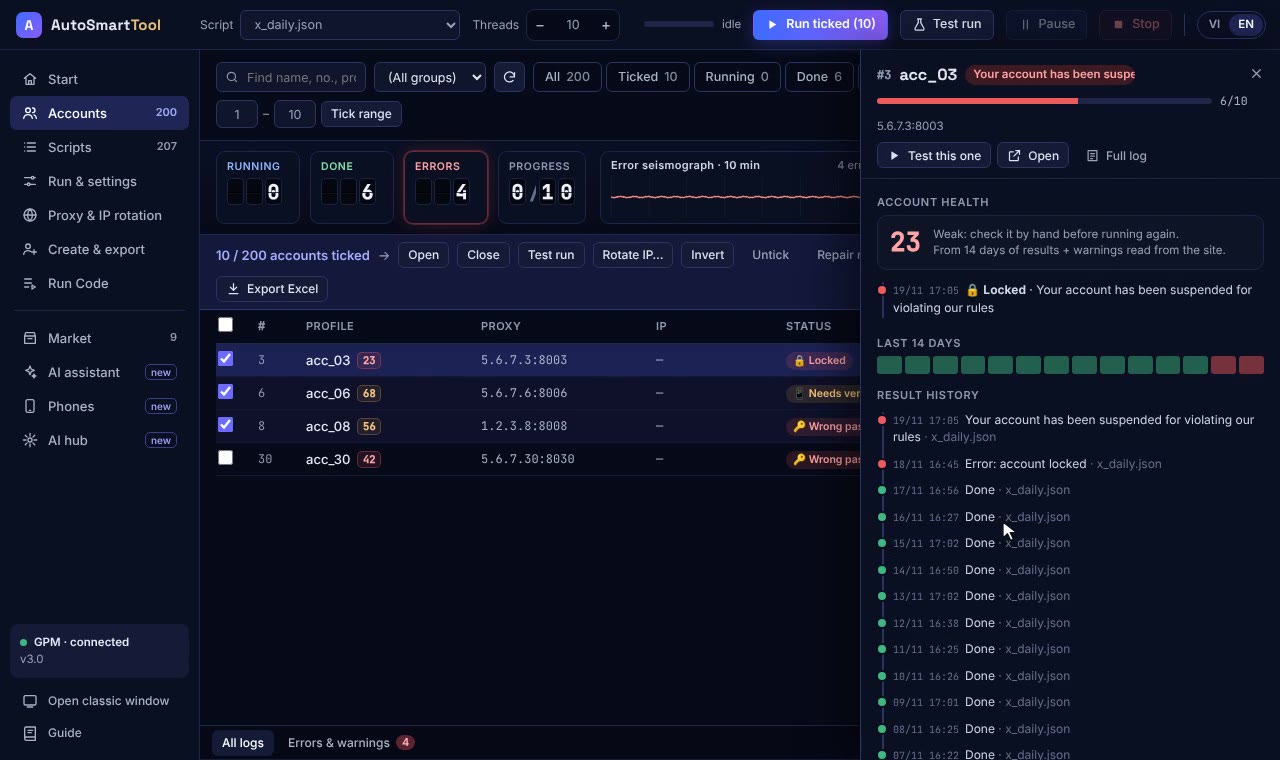
- Read the report after every run: which accounts finished, which failed, and at which step.
When a site changes its layout
When a website changes its layout, a script may need fixing. That's normal for any automation tool. In Profile Launcher, when a step breaks, the AI explains why so you can fix it fast. The bundled sample scripts are updated free for 12 months.
Frequently asked questions
Can I use it if I can't code?
Yes. Scripts are assembled from ready-made commands, or you type one sentence for the AI to draft, or do the job once by hand and let the tool record it.
Can the AI see my passwords?
Before anything is sent to the AI, the tool replaces passwords and wallet recovery phrases with placeholders.
Try it on your own PC, free for 3 days
No card, no sign-up. Every key works on 2 computers. Not sure yet? Message us first and we will tell you honestly whether it can do your job.