AI Smart Hub › Blog · Tiếng Việt
How much RAM do you need to run many browsers at once?
How to size a computer for running 5, 20 or 40 browser profiles at once: RAM, CPU, disk, and how to check your real RAM on Windows.
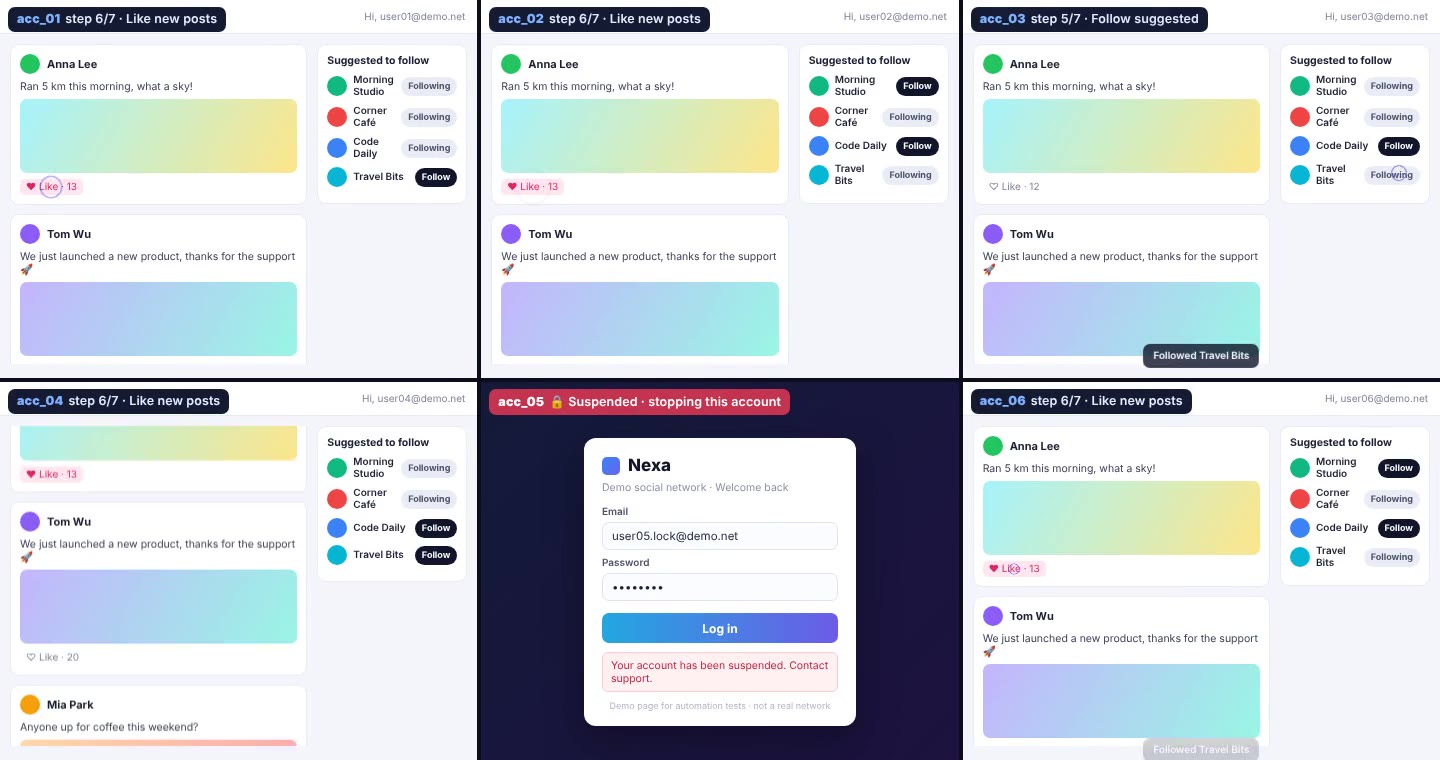
The most common question before buying: "How many accounts can my PC run?" The answer is mostly about RAM, then CPU and disk. This post helps you work it out yourself in two minutes.
What is RAM and why does it matter most?
RAM is like your computer's desk. Every open browser takes up part of the desk. When the desk is full, the computer has to move things to the disk, and everything slows down sharply. From real-world runs, each open browser profile uses about 300 to 500 MB of RAM; heavy pages like social media with video use more.
Quick sizing table
| PC RAM | Profiles at once (estimate) | Suggested CPU |
|---|---|---|
| 8 GB | about 5 to 8 | 4 cores |
| 16 GB | about 15 to 20 | 8 cores |
| 32 GB | about 40 or more | 12 cores or more |
The math: take your RAM, subtract about 4 GB for Windows and other software, then divide by 0.4 GB. For a 16 GB machine: (16 − 4) ÷ 0.4 ≈ 30, but for smooth running take about two thirds, so 15 to 20 profiles.
CPU and disk
- The CPU is the "worker". More cores means more work in parallel. With a weak CPU, browsers lag even if you have plenty of RAM.
- An SSD opens profiles much faster than an old HDD. Keep at least 20 GB free.
- A graphics card isn't required, but it makes video and page rendering smoother.
Check your real RAM
- Press Ctrl + Shift + Esc to open Task Manager.
- Open the Performance tab.
- Click Memory; the number at the top right is your total RAM.
Or open the home page and press Check my computer for a quick look at your CPU and graphics card. Note that browsers report at most 8 GB of RAM, so 16 or 32 GB machines also show 8 GB.
What if my PC isn't powerful enough?
You don't need a new computer straight away. Set a lower thread count, for example 5: the tool only opens 5 profiles at a time, and as each one finishes it closes and the next one opens. It's a little slower, but a modest PC still gets through the whole list. Or split the work across 2 PCs, since each key works on 2 computers. The surest way to know is the free 3-day trial on your own machine.
Frequently asked questions
Can I use an 8 GB RAM PC?
Yes. It runs about 5 to 8 profiles at once, or set a low thread count and let the tool work through a long list in turn.
Does it run on a Mac?
Right now the tool runs on Windows 10 and 11. Mac and Linux are not supported yet.
Try it on your own PC, free for 3 days
No card, no sign-up. Every key works on 2 computers. Not sure yet? Message us first and we will tell you honestly whether it can do your job.